
Free · no account needed
Free LinkedIn to CV converter
Upload the PDF of your LinkedIn profile, or screenshots from the LinkedIn app. You get it back as a finished CV, ready to edit and download.
Free, 3 CVs a day. We delete your CV after 7 days.
Where to find your LinkedIn PDF
Open your profile
On LinkedIn, go to your own profile page.
More, then Save to PDF
Under your name, select More, then Save to PDF.
Drop it here
Choose that PDF above. We do the rest.
Screenshots from the LinkedIn app
Open your profile
In the LinkedIn app, open your own profile.
Screenshot as you scroll
One screenshot per screen, down to the end. Open the full list of your jobs first, so every job is on screen.
Add them here
Choose them all at once, up to 12. We put them in order.
On a computer, LinkedIn’s Save to PDF is quicker.
How it works
Your LinkedIn profile as a CV in about a minute
1. Save your profile as a PDF, or take screenshots
On a computer, open your LinkedIn profile, select More and then Save to PDF. On a phone, take screenshots of your profile in the LinkedIn app.
2. Upload it here
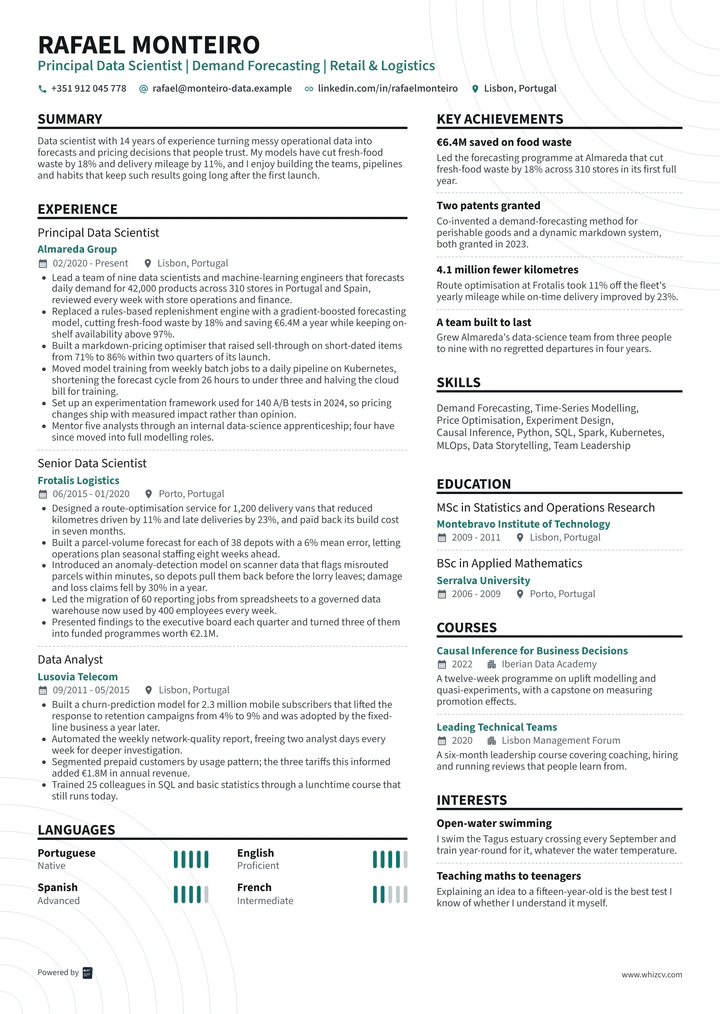
We read your headline, experience, education, skills and languages and lay them out in a WhizCV design.
3. Edit and download
Sign up free, change any line, pick any WhizCV design and download your CV as PDF or Word.
Questions
Is the LinkedIn to CV converter free?
Yes. You can make 3 CVs a day without an account. To edit your CV and download it, you sign up for a free account. A CV of up to 2 pages downloads free; a longer one needs Pro.
Why upload a PDF instead of my profile link?
LinkedIn does not let other sites read profiles. Save to PDF is LinkedIn’s own copy of your profile, so you choose what you share.
Can I do it on my phone?
Yes. The LinkedIn app can’t save your profile as a PDF, so take screenshots of your profile in the app as you scroll and add them here, up to 12 at once.
What does it take from my profile?
Your name, headline, contact details, summary, experience, education, skills, languages and certifications, in the language your profile is written in. LinkedIn’s PDF has no photo, so add one after you sign up if you want it.
What happens to my file?
We use it only to make your CV and delete the CV after 7 days. Your email is used for the one link we send, and kept only if you tick the box for tips and news. If you sign up, the CV is saved in your account.