
Free · no account needed
Free ATS CV converter
Upload your old CV as Word or PDF. You get it back in a clean one-column layout that job sites and ATS software can read, ready to edit and download.
Free, 3 CVs a day. We delete your CV after 7 days.
What we change so ATS software can read it
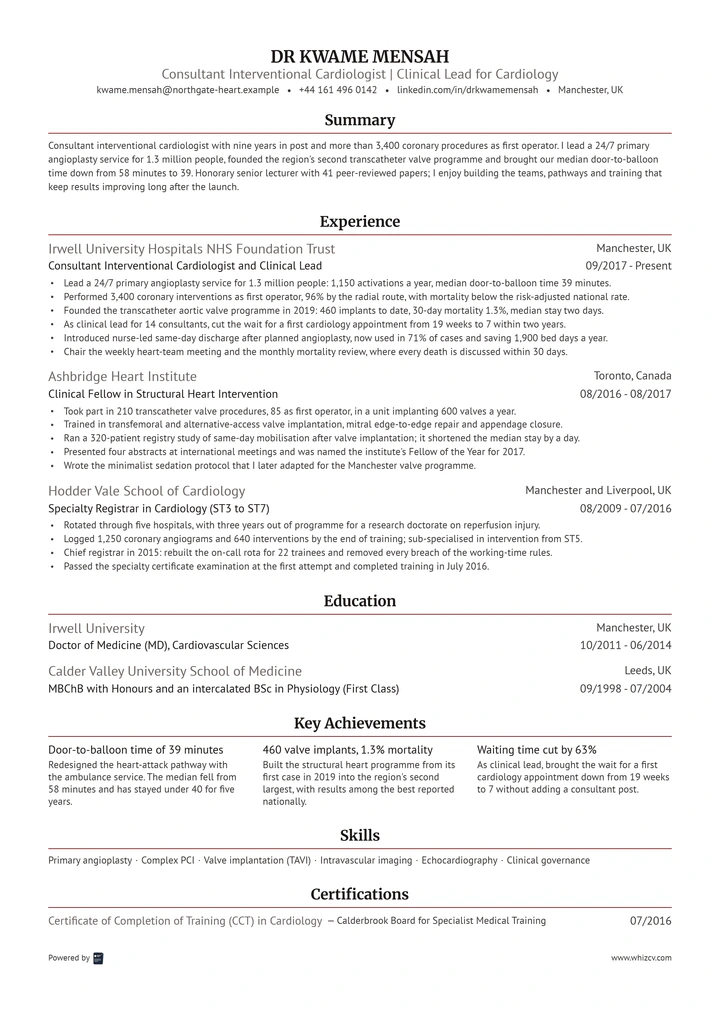
- Two columns become one. Some ATS software reads a side column after the main one, or mixes the two.
- Skill bars become a plain list. A bar is a picture: software can’t read “80%” from it.
- Contact details as text. Your email and phone written out, not hidden behind icons.
- Standard headings. “My journey” becomes Experience, “Where I studied” becomes Education.
Your words stay yours: we don’t rewrite your experience. And no tool can promise a CV passes every ATS.
How it works
Your old CV in an ATS-friendly format in about a minute
1. Upload your old CV
A Word file or a PDF, from Canva, a template or a CV builder. Any layout works.
2. We lay it out again
One column, standard section headings and plain text, in the order a recruiter reads it.
3. Edit and download
Sign up free, update any line and download your CV as Word or PDF.
Questions
Is the ATS CV converter free?
Yes. You can convert 3 CVs a day without an account. To edit your CV and download it, you sign up for a free account. A CV of up to 2 pages downloads free as PDF or Word, with one small “Powered by WhizCV” line on the PDF; a longer one needs Pro.
What makes a CV ATS-friendly?
Text the software can read: one column, standard section headings such as Experience and Education, and your contact details written out. Skill bars, icons, text in pictures and side columns are what most often get lost or mixed up.
Can I turn my old Word CV into a new CV?
Yes. Upload the Word file (.docx) or a PDF of it. We read your experience, education and skills and lay them out again in one column. After you sign up, update any line and download it as Word or PDF.
Will my CV pass every ATS?
No tool can promise that: every company sets up its software differently. What we change are the things that most often trip it up, so your CV reads as plain, well-ordered text.
What happens to my file?
We use it only to make your CV and delete the CV after 7 days. Your email is used for the one link we send, and kept only if you tick the box for tips and news. If you sign up, the CV is saved in your account.